
Last updated November 22, 2026
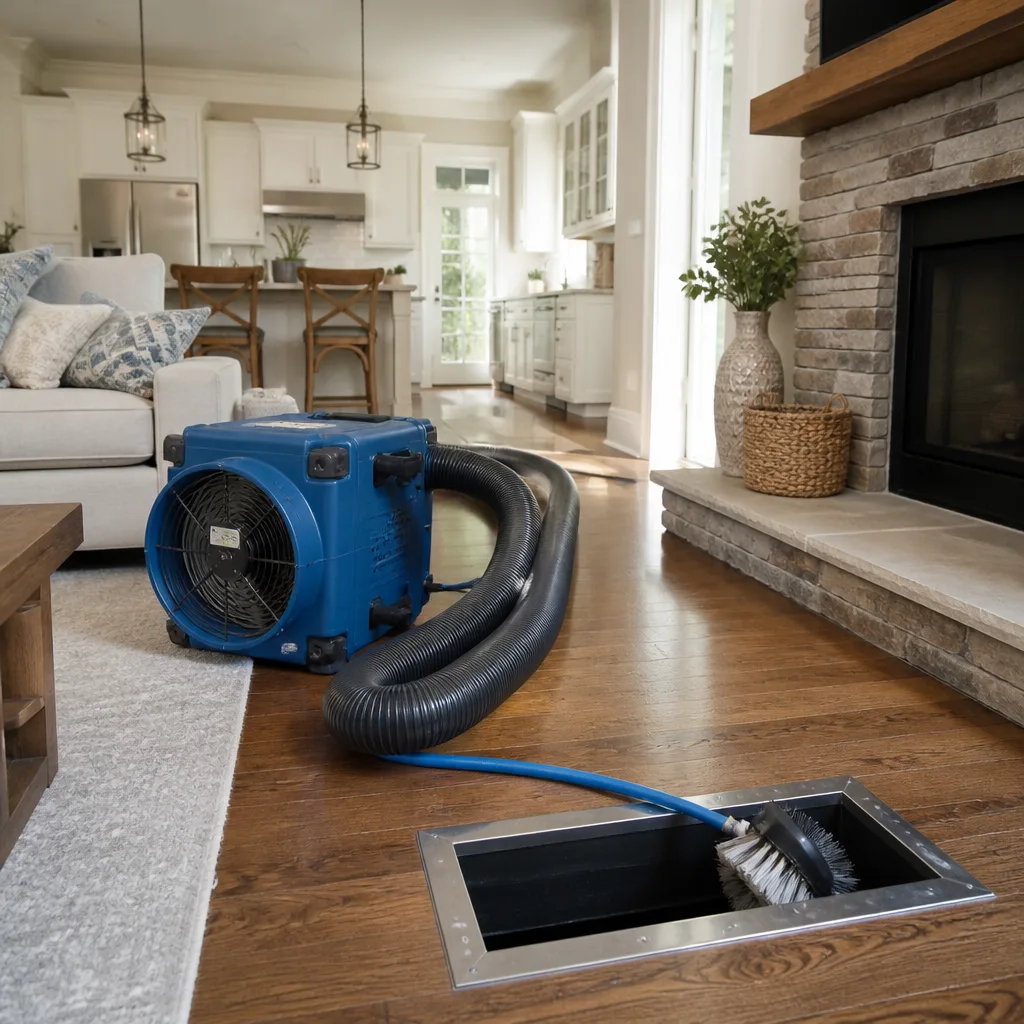 Whole-home duct cleaning
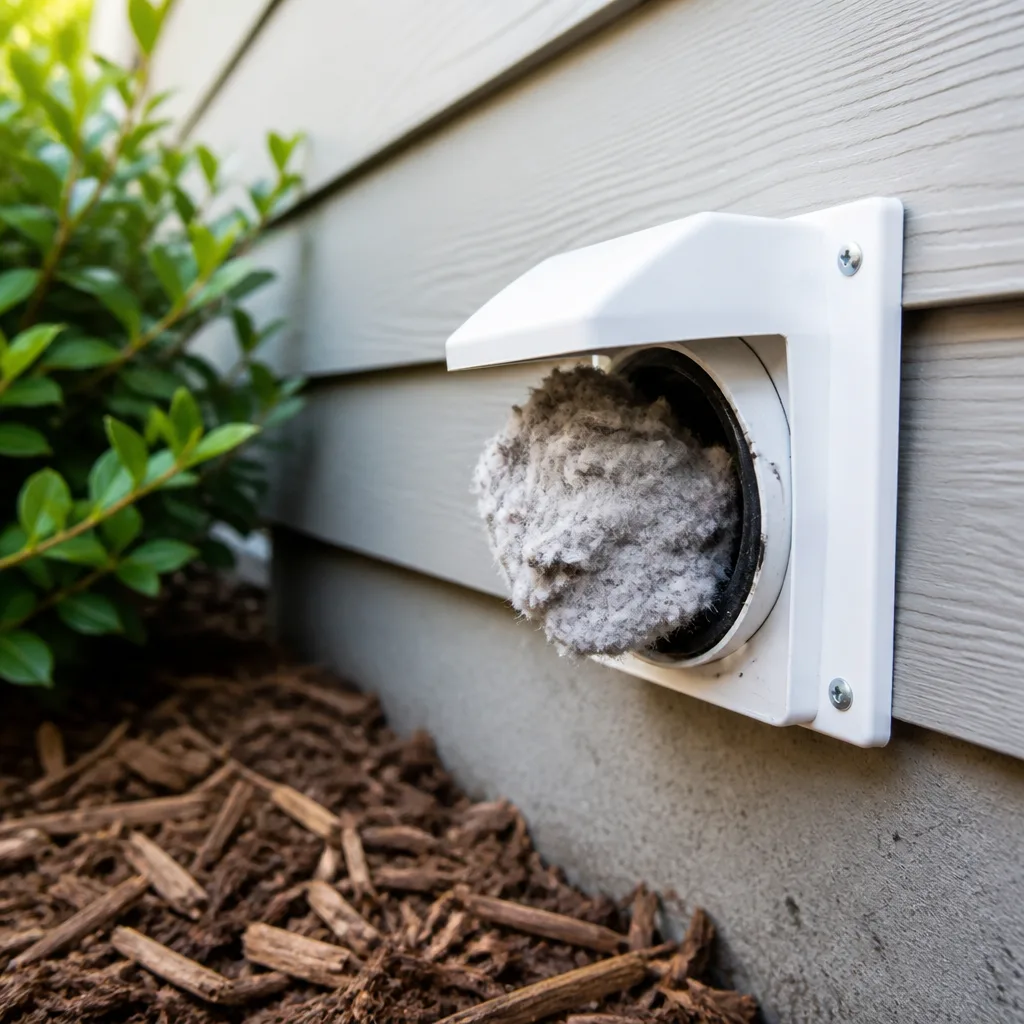 Dryer vent cleaning
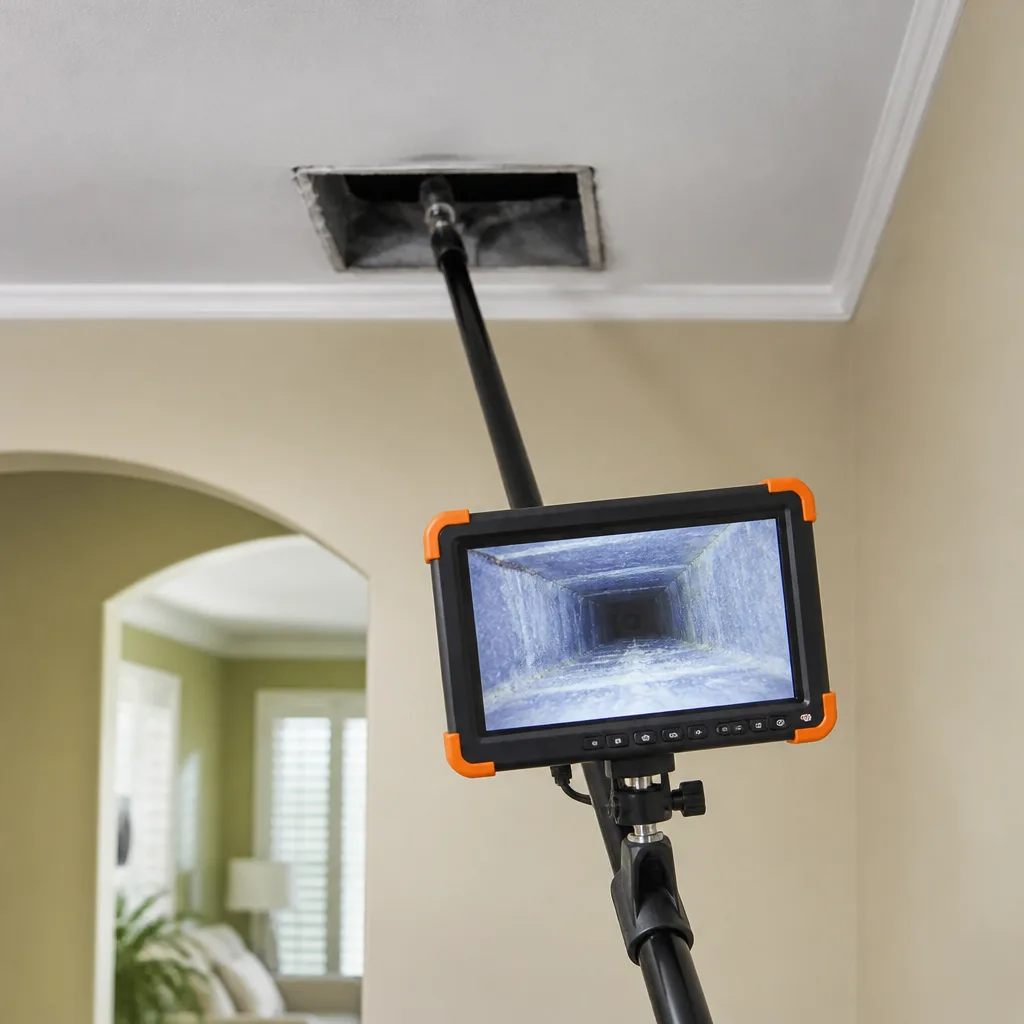 Camera inspection
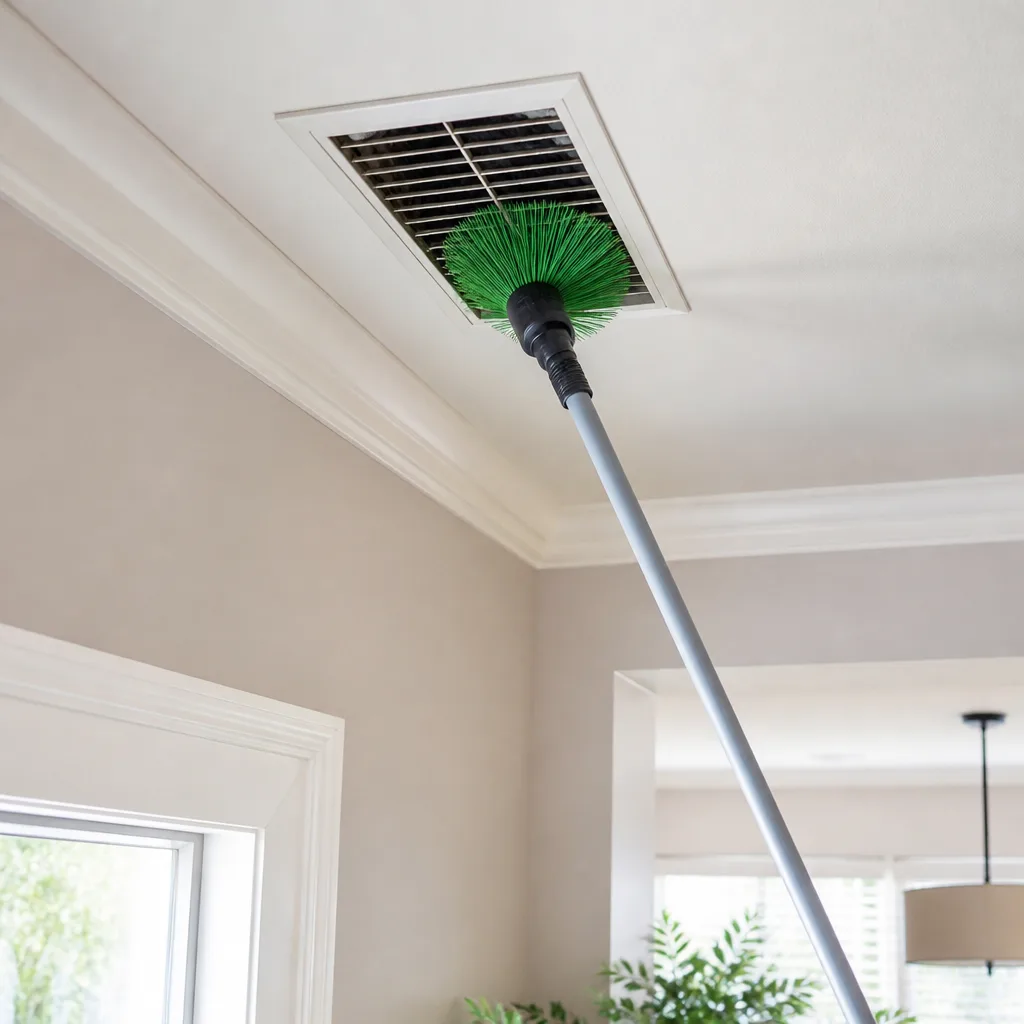 Sanitizing & deodorizing
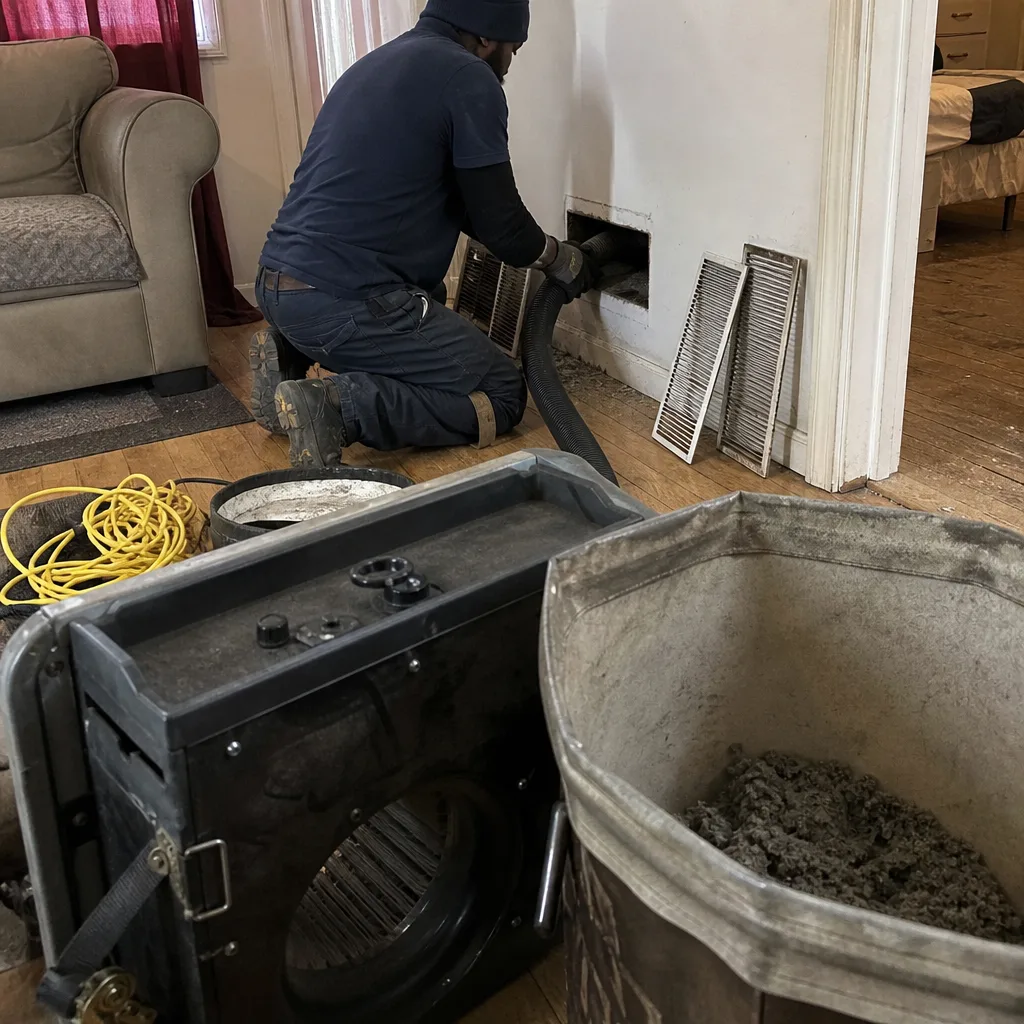
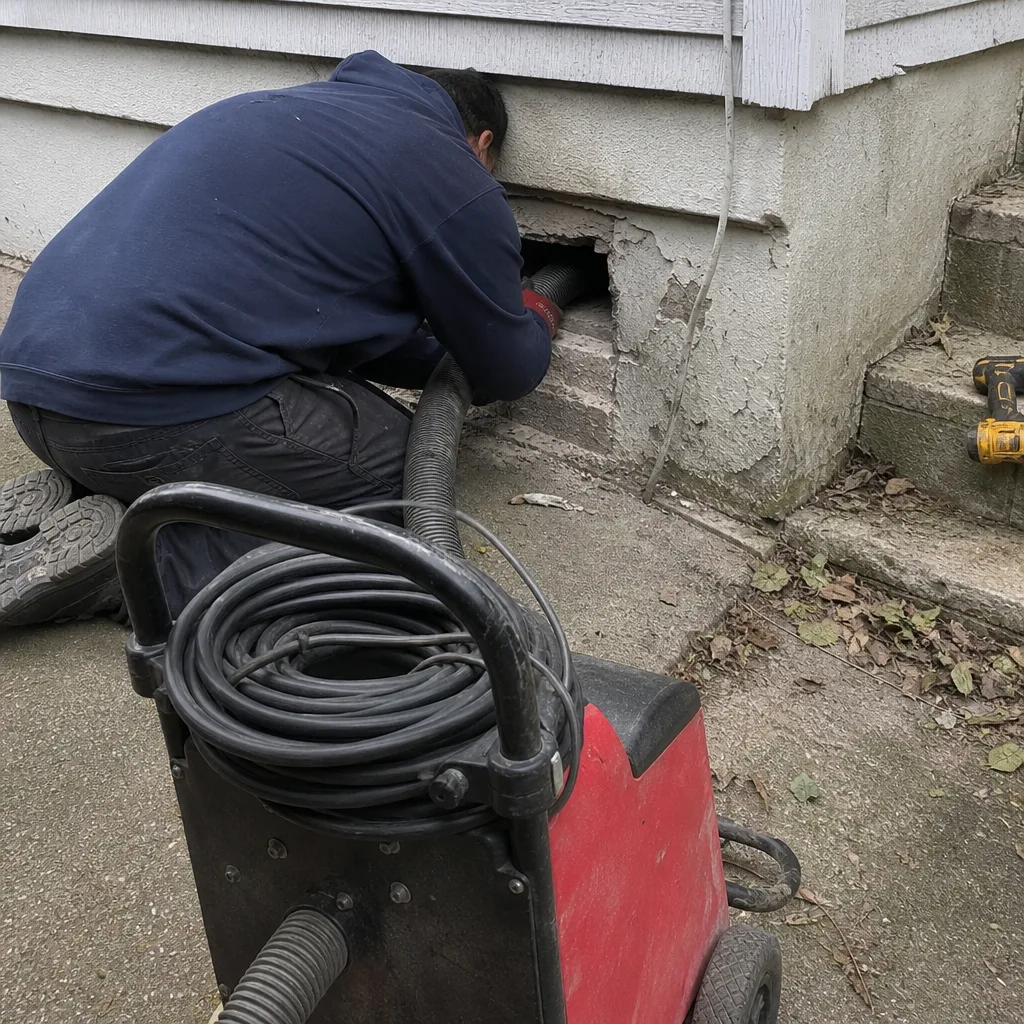
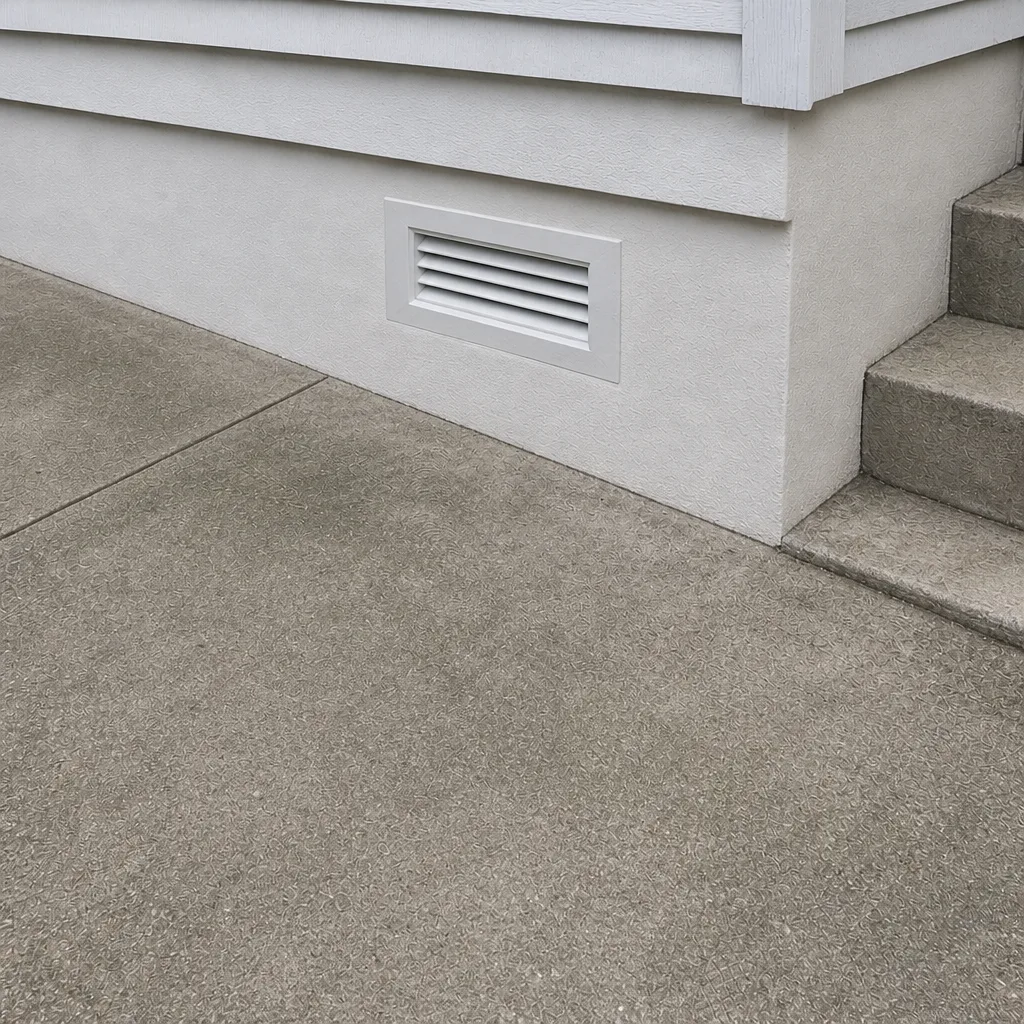
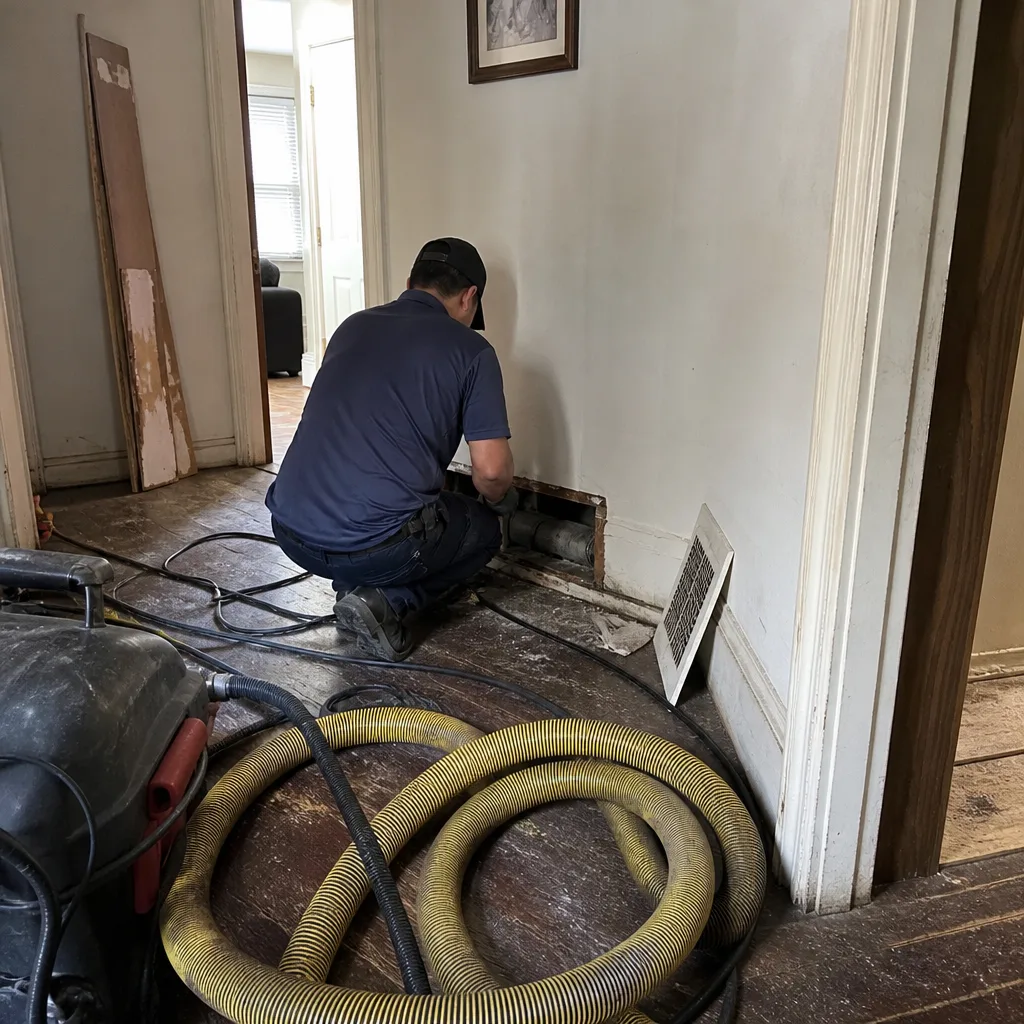
Whole-system duct and dryer vent check with before-and-after photos - you see exactly what came out of your vents
That "$99 whole-house special" is a bait ad - the real number appears once they are in your hallway, or the "clean" is a shop-vac at the register. We photograph the inside of your ducts before and after instead.
Air Duct Cleaning Maintenance Checklist for Mott Haven Homeowners
Checking a box every three years isn’t a maintenance plan. It’s a hope strategy. Between professional cleanings, your registers, filters, and airflow patterns are telling you whether your ducts are holding their condition or loading up with a new layer of contamination. Most Mott Haven homeowners never look, so the first sign of a problem is a smell, a higher bill, or a technician pulling out years of debris. This guide gives you a monitoring framework instead of a calendar: the five indicators worth tracking, the specific pass/fail lines to judge them against, and how to document it all so every professional visit becomes diagnostic rather than generic.
Quick Answer
A practical air duct cleaning maintenance checklist for Mott Haven runs on three tracks: monthly filter and register checks, quarterly airflow and dust-pattern inspections, and an annual full-system review of every return and supply, plus the dryer vent. Log what you find with dates and photos. Any change in filter loading speed, dust color, airflow strength, or odor means the system needs attention before the scheduled cleaning, not after. Renovation dust from neighboring units resets the timeline and calls for an unscheduled look.
Styles & brands we work with
- Whole-home duct cleaning
- Dryer vent cleaning
- Camera inspection
- Sanitizing & deodorizing
Table of Contents
- The Five Indicators That Tell You Your Ducts Are Holding or Degrading
- Monthly Tasks and Pass/Fail Criteria
- Quarterly Inspections: Airflow and Register Dust Patterns
- The Annual Full-System Review
- Logging Filter Loading Rates as a Contamination Proxy
- Reading Your Registers: Normal Dust vs. Biological Growth vs. Debris Intrusion
- How Neighboring Renovation Activity Resets Your Timeline
- What to Document Before Each Professional Visit
The Five Indicators That Tell You Your Ducts Are Holding or Degrading
Duct condition isn’t invisible. It shows up in five places you can reach without tools. Track these and you have a working early-warning system. Ignore them and the only signal left is the one nobody wants: a sudden drop in airflow on the coldest or hottest week of the year, when a Mott Haven building is already under pressure.
- Filter loading rate: how fast your filter goes from clean to visibly gray. A filter that used to last three months and now loads in six weeks is telling you something upstream is shedding material.
- Register dust pattern: the color and texture of dust on the supply louver and the return grille. Light, dry, evenly distributed dust is normal. Dark, sticky, or patchy growth is not.
- Airflow strength: the feel of air at a supply register with the system running. Compare registers against each other; the weak one is usually the loaded one.
- Odor at startup: the smell within the first minute of a fan turning on. Musty, sweet, or metallic notes point to microbial activity, moisture, or fine debris.
- Visible intrusion: debris in the register boot, a loose flex run, gaps at seams, or a disconnected joint behind the grille.
Each of these has a numeric or pass/fail threshold, and that’s the point. “Looks fine” isn’t a standard. The thresholds below give you something to write down.
Monthly Tasks and Pass/Fail Criteria
Ten minutes once a month. That’s the whole ask. Write the result and the date; don’t rely on memory. If you want the broader primer on what professional service actually involves, start with our guide to air duct cleaning in Mott Haven and then come back to the checklist.
- Pull and inspect the filter. Hold it up to a light. Pass: you can see through it across most of the surface. Fail: light is blocked across a third or more, or you can’t read a newspaper through it.
- Wipe one supply register louver with a white paper towel. Pass: a faint gray film, dry to the touch. Fail: a thick coating, dark smear, or anything tacky.
- Feel the airflow at three registers across the home. Pass: strong and roughly even between rooms. Fail: one register noticeably weaker than the others, or air that feels diminished from your last check.
- Open the system for a minute and smell it. Pass: no scent, or a neutral dusty note. Fail: musty, damp, or sweet.
- Look at the return grille after a week. Pass: dust spread evenly across the face. Fail: a heavy dark line where air enters, or a visible ring of debris at the edges.
One fail on the monthly list is a flag, not a crisis. Two fails in the same month, or the same fail two months running, moves you from watching to scheduling. That’s the rule: a single monthly anomaly earns a second look, not a panic. Two in a row earns an inspection.
Quarterly Inspections: Airflow and Register Dust Patterns
Once a quarter, spend thirty minutes going deeper than the monthly pass. This is where you catch the slow degradation the monthly check misses, and where building-level conditions in Mott Haven start to matter.
- Walk every register, not a sample. Feel airflow at each supply and return in the home. Note the strongest and weakest. A spread that widens quarter over quarter is a real signal.
- Photograph one return grille and one supply louver. Same angle, same lighting, same distance every time. A photo series beats a written note for showing trend.
- Inspect the register boot behind the grille. With the grille off, look for dust trails along the surface of the duct, debris settled at the bottom of the boot, or a gap where the boot meets the duct. Gaps and loose seams are worth flagging; they let unfiltered air into the system.
- Check the return-side filter housing. A filter that seals poorly at the edges lets air bypass the media and load the ducts directly.
- Note any change in dust color. Light gray is routine. Dark brown or black, greasy, or smoky suggests a different source of contamination and needs a closer look.
Save your photos in one folder with dated filenames. That series is the single most useful thing you can show a technician on arrival, because it lets them compare the system as it is now against how it behaved six or twelve months ago. It turns a routine visit into a diagnostic one.
The Annual Full-System Review
Once a year, take the full picture. A complete review covers every supply and return, plus the components most homeowners forget: the air handler, the filter housing, and the dryer vent. If your building shares a system or you have an in-unit setup with a single handler, the same logic applies.
- Count and list every register in the home. Every supply, every return. This is your baseline inventory. If a register was added or removed since last year, note it.
- Rate each one on the same scale: clean, light dust, heavy dust, or debris visible. Write down the numbers.
- Inspect the air handler area. Look for dust buildup in the cabinet, moisture, or a filter that doesn’t fit its housing snugly.
- Run a full heating-and-cooling cycle if possible and note any temperature room that never catches up with the rest of the home. Airflow problems show up there first.
- Check the dryer vent for lint accumulation at the exterior termination and around the transition duct. Lint buildup is a fire-safety concern, not just a performance one, and it belongs on the same annual checklist as the air ducts.
- Decide the professional cleaning interval. Use your monthly and quarterly logs to make this call rather than guessing. A home that loads filters fast and shows heavy dust quarterly needs professional attention more often than one that stays light and even.
The annual review is also the moment to look at the whole system as a system. This is not a job for a shop vac. A full cleaning from intake to register uses contractor-grade equipment, and the difference shows up in what gets dislodged and extracted, not just what gets wiped. Our air duct cleaning work runs on the Rotobrush rotary-brush and Nikro negative-pressure equipment HVAC professionals specify, with Abatement Technologies tools on hand for fine-particulate concerns that ordinary vacuuming can’t reach. If you also need the dryer side handled annually, that’s the same visit.
Logging Filter Loading Rates as a Contamination Proxy
Your filter is the cheapest instrument you own. It traps what the system pulls in, so the speed it loads is a direct proxy for the contamination velocity hitting your ducts. Log it properly and you’re measuring the system, not guessing at it. A simple chart works: three columns, and one row per filter change.
- Date installed and date pulled. Subtract to get the days of service.
- Load rating. Score the filter on a simple four-point scale: 1 means barely gray, 2 means visibly gray but light shows through, 3 means mostly blocked, 4 means fully loaded and starting to collapse. Use a consistent rating for yourself and note which scale you’re using.
- Notes. Anything that could explain a fast load: renovation nearby, a window left open, a new pet, a change in the weather. This is the column that turns a chart into a cause-and-effect record.
After three or four filters, you’ll see a rate. A stable rate means the system is holding. A rate that shortens with each filter, meaning the same load arrives in fewer days, is your earliest warning that the ducts are accumulating material or that something in the home is generating more dust. Note that filter loading also varies with the season and with Mott Haven’s typical heating-season dryness and summer humidity swings, so compare the same season against the same season rather than month against month.
Filtration matters, and your filter choice matters for the system. If your home runs a name-brand platform, the filter needs to fit it correctly. Honeywell and Aprilaire systems are common in residential and light-commercial settings, and working with the manufacturer’s own housing spec avoids the edge-bypass problem that lets dust into the ducts around the filter.
Reading Your Registers: Normal Dust vs. Biological Growth vs. Debris Intrusion
Registers are your window into the duct. The trick is telling the three categories apart. Normal dust is light and dry and accumulates evenly. Biological growth is dark, patchy, sometimes damp, and often smells. Debris intrusion is chunks, fibers, or material that clearly came from somewhere inside the system.
- Normal: a thin, even gray film on the louver and the grille. Wipes clean with a dry cloth. Reappears slowly and uniformly.
- Biological growth indicators: dark or black patches, especially near the register boot or return grille, tacky or damp texture, a musty smell when the fan runs, or recurring staining that comes back quickly after wiping. Moisture in the system feeds this; if you see signs of active growth, stop wiping and get a professional inspection before you stir anything into the air.
- Debris intrusion: grit or chunks on the register face, a visible gap where the boot meets the duct, dust trails along the duct wall, or fibers visible in the boot. A disconnected joint or a gap in the boot is letting unfiltered air straight into the system.
Keep a register-by-register record on your annual review sheet and update it quarterly with a photo. If a single register repeatedly shows growth or debris while the rest stay clean, that register points to a local problem, not a whole-home one, and it’s where a professional should look first. Mild, even dust is not a reason to call; growth, gaps, and evolving debris are.
How Neighboring Renovation Activity Resets Your Timeline
Mott Haven is a neighborhood where building work is a constant. When a unit next door or upstairs goes into renovation, sanding, demo, or painting, your duct system takes a hit you didn’t schedule. Fine dust travels on air pressure between spaces, and a shared or adjacent duct run pulls it into your system regardless of where the work is happening.
- Treat renovation as a trigger, not a nuisance. When construction starts nearby, restart your monthly checks and watch the filter loading rate. If the rate shortens, the system is taking on material.
- Check the filter more often during the work and replace it based on the load rating, not on the calendar.
- Pay attention to the return grille closest to the renovation. That’s the one most likely to show intrusion first.
- Schedule an inspection after significant work concludes. Fine particulate and construction debris settle in the system and stay there long after the work ends and the dust in the air clears.
- Update your log. A renovation date in the notes column explains a temporary spike in filter loading and keeps the record honest.
If the renovation is substantial and involves fine dust that ordinary cleaning can’t fully address, that’s where specialized tools matter. Fine-particulate and contaminant remediation needs more than surface cleaning, and it’s the reason IAQ work calls for equipment that captures particulate rather than stirring it. That is the level of work our HVAC cleaning brings to a system after a nearby project. You can learn more on our HVAC cleaning page.
What to Document Before Each Professional Visit
The single thing that turns each service appointment into a diagnostic one: a baseline you can hand over. A technician arriving with no history works blind and cleans what’s obvious. A technician with your records can compare what they see against how the system behaved six months ago and find the cause, not just the current state.
- Your filter log. Dates and load ratings for the last three or four cycles, with notes on renovations, pets, and weather.
- Your register list and ratings. Every supply and return, every annual review sheet, updated quarterly.
- Your photo series. The same return and supply register, quarterly, from the same angle. Dated filenames.
- Any notes on smell, airflow changes, or a room that never heats or cools evenly along with when the problem started.
- Any observations about the air handler or the filter housing, including whether the filter seals snugly.
When the technician has access to this, the conversation shifts. Instead of “clean the ducts,” it becomes “the return nearest the kitchen is loading twice as fast as the rest of the house, and the rate stepped up eight months ago, let’s look there.” That’s better work, and it’s the difference between a cleaning and a diagnosis.
Common Mistakes to Avoid
- Treating the cleaning interval as a fixed number. The right interval depends on your home, your building, and your neighborhood activity. Let your log set the schedule, not a calendar rule of thumb.
- Wiping a register and calling it done. Wiping the face doesn’t clean the duct, and it hides the evidence you need to judge whether a professional should come out.
- Ignoring the return side. Returns carry the load; they’re the first place intrusion and growth show up. Homeowners check supplies and skip returns constantly.
- Skipping the dryer vent each year. Lint buildup is a fire concern and should be on the same annual checklist as the air ducts. Don’t treat it as a separate project.
- Assuming a new filter fixes a systemic problem. A filter masks symptoms; if the filter is loading twice as fast, the system is telling you something upstream is shedding material.
- Forgetting to log renovation activity. If a neighbor’s work coincides with a spike in filter loading, a written note explains it and future inspections start from an honest baseline.
- Letting a gap in the ductwork stay a gap. A disconnected joint or a bad seal at the boot is letting unfiltered air straight into the system, and cleaning won’t fix it. Sealing it does.
See the difference
 Before
 After
 Before
 After
 Before
 After
When to Call a Professional
Call when the system tells you something cleaned. That means any biological growth or dampness in a register, visible debris or a gap in the ductwork, an airflow problem you can’t correct, or a filter loading rate that’s been shortening for several cycles. Call if the smells return within weeks of wiping a register, or if a whole room never catches up with the rest of the home. Call after a large neighboring renovation, especially if fine particulate settled. And call if you don’t have a baseline yet and want one established. Air Duct Cleaning Mott Haven offers free estimates in Mott Haven. Call (855) 658-4004. We answer 24/7. Fast dispatch, 7am-7pm, Sunday through Friday. If we come out, you get one flat price per system agreed before any work starts, before-and-after photos of your ducts, and a single contractor covering all five services: cleaning, dryer vent cleaning, HVAC, repair and sealing, and air quality and sanitizing.
Frequently Asked Questions
How often should Mott Haven homeowners have their air ducts cleaned?
The right interval is the one your own logs point to, not a fixed number. If your filter loading rate is stable and registers stay light and even, a cleaning can stretch out; if the rate is shortening or you see growth or debris, move it up. Renovation activity nearby resets the timeline and calls for an early inspection. Bring your log to the appointment and let the technician make the call.
How much does air duct cleaning actually cost in Mott Haven?
Cost depends on the size and condition of the system, so the honest way to quote is a whole-system range from a written estimate rather than a per-vent figure. A low teaser price that grows into a much bigger invoice on the day is the bait-and-switch pattern you’ll want to avoid; ask for one flat price per system agreed before work starts. Call (855) 658-4004 for a free estimate.
Why are some duct cleaning quotes so much cheaper?
Cheap quotes usually mean surface-level work with portable equipment, or per-vent pricing that adds up fast. Contractor-grade rotary-brush and negative-pressure systems cost more to run than a consumer vacuum, and a real cleaning runs from intake to register. What you’re buying is what gets dislodged and extracted, not just what gets wiped. Ask what equipment the crew brings and whether the price is per system or per vent.
How do I know the work was actually done?
Ask for before-and-after photos of your own ducts, and compare the register photos to the series you keep. A technician with your baseline in hand can show you what changed. A written price per system agreed before work begins also means no surprise line items afterward. Call (855) 658-4004 for a free estimate and the details of what a visit covers.
My neighbor is renovating. Does that affect my ducts in Mott Haven?
Yes. Sanding and demo release fine dust that travels on air pressure into adjacent and shared systems, so an old apartment building sees it more than a detached home. Restart your monthly checks, change the filter based on load rather than the calendar, and schedule an inspection once the work winds down, since fine particulate settles in the system and stays there.
Does the annual checklist include the dryer vent?
Yes. The dryer vent should be on the same annual review as the air ducts, because lint accumulation is a fire concern as well as a performance one. Check the exterior termination and the transition duct every year, and have the vent cleaned as part of the annual service so nothing gets skipped. Call (855) 658-4004 to schedule a free estimate.
The Bottom Line
Maintenance for a duct system is tracking, not just cleaning. Watch five things: filter loading rate, register dust pattern, airflow strength, odor at startup, and visible debris. Rate them monthly against specific pass/fail lines, check registers and airflow quarterly, and do a full-system review every year that includes the dryer vent. Log what you find, with photos and dates, and bring it to every professional visit so the technician compares current conditions against a baseline. Renovation nearby resets the timeline and calls for an early look. That framework is how you stay ahead of the system instead of guessing at a calendar.
Contact Us
Have a baseline you want established, or a register that’s telling you something needs attention? Air Duct Cleaning Mott Haven offers free estimates in Mott Haven, with one flat price per system agreed before work starts and before-and-after photos of your own ducts. We answer 24/7. Fast dispatch, 7am-7pm, Sunday through Friday. Call (855) 658-4004 to book a free estimate. Our technicians have up to 13 years of experience, and we work with the Rotobrush and Nikro equipment HVAC professionals specify, with Abatement Technologies tools on hand for fine-particulate concerns, so you get one contractor covering the full system.
Written by the team at Air Duct Cleaning Mott Haven.